How does this photo album work?
I decided to create a website for the photo album as I could then include descriptions of all of the photographs, the WHO, WHEN and WHERE information that is so frequently lacking when old photographic prints are stored in various envelopes and other odd places, soon to be forgotten.
And the languages used to create webpages (HTML, CSS and JavaScript) should still be available, in updated formats, well into the future.
It would be very convenient to store the photo album on a web hosting service connected to the Internet, which would make the website available to anyone, anywhere. That is how THIS website at www.raylambert.ca works. www.raylambert.ca is completely public, no login required. No private information revealed.
But, and it is a big but, this would make the photo album vulnerable to the crooks out there specialising in identity theft. And there is a lot of data (such as dates of birth) in the photo album we would not like to see stolen.
A more secure website (such as used by banks) requires a great deal of careful maintenance and expense which I am not prepared to provide. And you know that the security on such websites is not infallible.
So Plan B is to distribute the files making up the photo album to all interested family members and trusted friends from a reasonably secure Internet file sharing "cloud" server. I used to use Dropbox but am using Google Drive at the moment. The family members and trusted friends can then download the files, save the files onto their own computer and then run the photo album as a website from their locally stored files, no further Internet connection required.
The main security risks with Plan B (which I consider to be acceptable) are :
. Artificial Intelligence is probably scraping data from Google Drive to train its LLM models;
. The Google Drive sharing link that I send out could fall into the wrong hands;
. The Google "cloud" servers could suffer a security breakdown.
Digital Versatile Disc players are becoming a collecter's item these day. The successor to the DVD is a USB thumb stick. I tried sending out a 16GB USB stick in about 2016 in a chain letter - "post on to the next person on the list". It didn't get far, I won't mention who broke the chain!
In 2026, the current method of exchanging files is to use the Internet. So that is my preferred method. Cheap, fast and requiring minimal computer skills, though I have noticed that the so called "Tech Savvy" generation does seem to be somewhat lacking in this skill area.
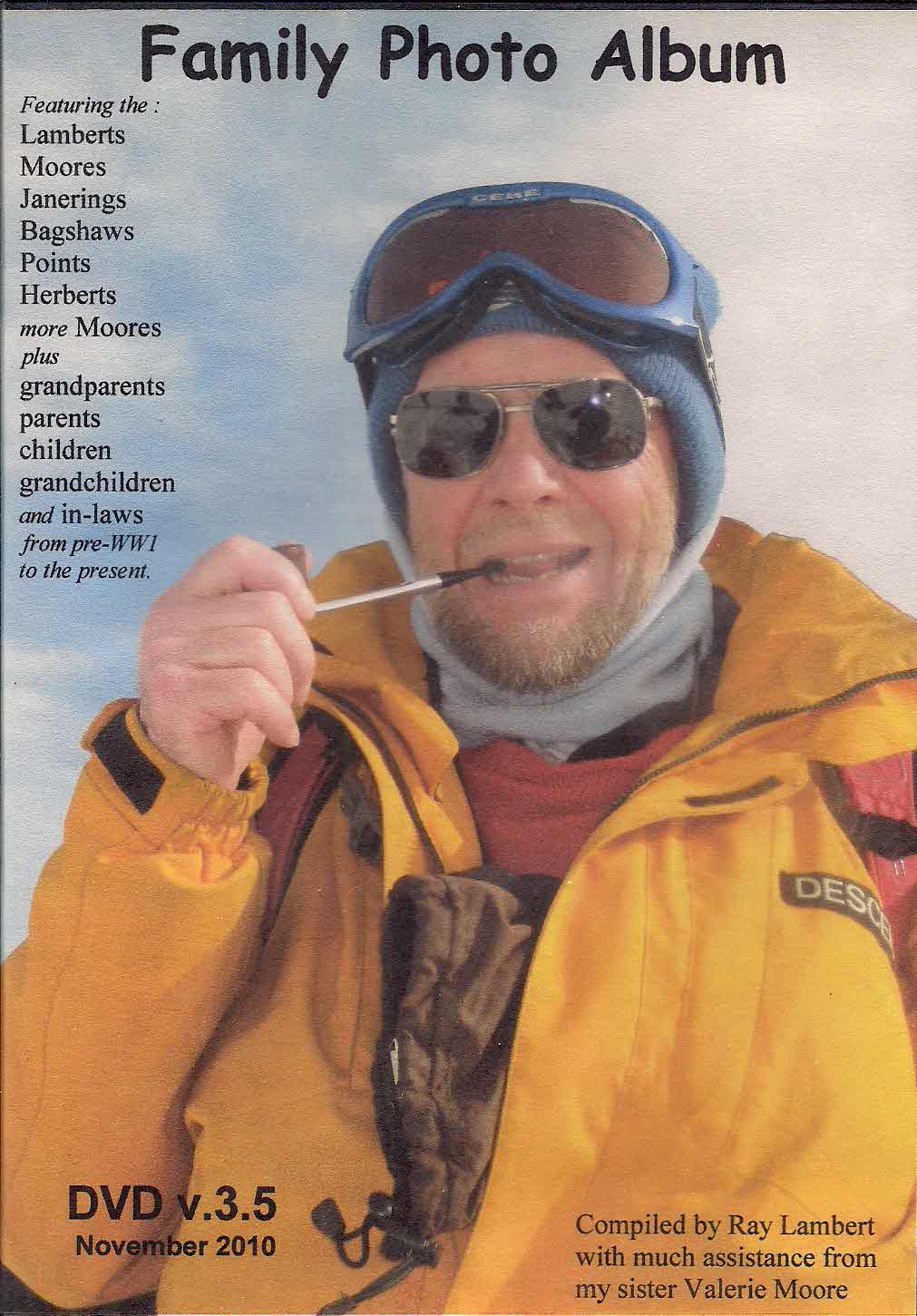
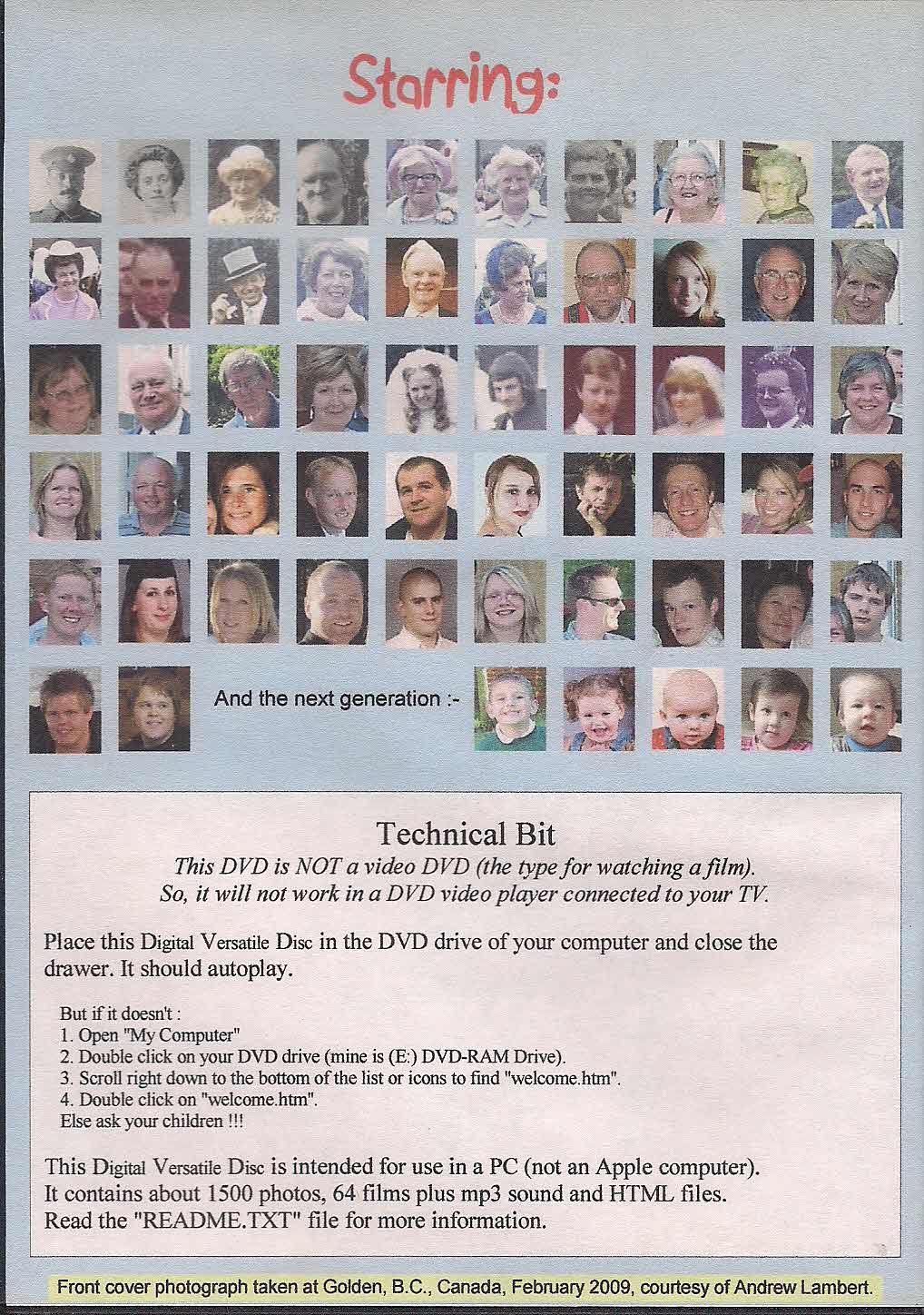
Plan C is to copy the files onto a storage medium and post out the physical medium as required. I did this in November 2010 with the storage medium of the day, a DVD.